


Smart home charging station solutions are changing how we keep our devices powered, blending wireless technology into kitchen drawers, bedside tables, and cabinetry. But are these built-in systems truly smarter, safer, or worth the investment? Let’s get right to the facts, show you how to plan your own setup, and reveal key gotchas before you commit.
Key Takeaways
- Wireless smart home charging stations integrated in furniture are seeing rapid growth but face limitations, especially around heat, compatibility, and cost.
- Proper installation requires attention to safety standards—most problems come from overheating or short circuit risks in closed cabinetry.
- Adoption is rising, but users must weigh practical drawbacks and maintenance versus the appeal of hidden, wire-free charging.
- What Is a Smart Home Charging Station?
- How to Install a Smart Home Charging Station
- Advanced Analysis and Common Pitfalls
- Conclusion
- FAQ
What Is a Smart Home Charging Station?
A smart home charging station integrates wireless or wired charging pads directly into home furnishings. Think kitchen drawers, bedside tables, cabinets—even built right into desks or shelving. Users simply place devices like phones, tablets, or smartwatches on the designated area, and charging starts instantly; no plugging or cable clutter.
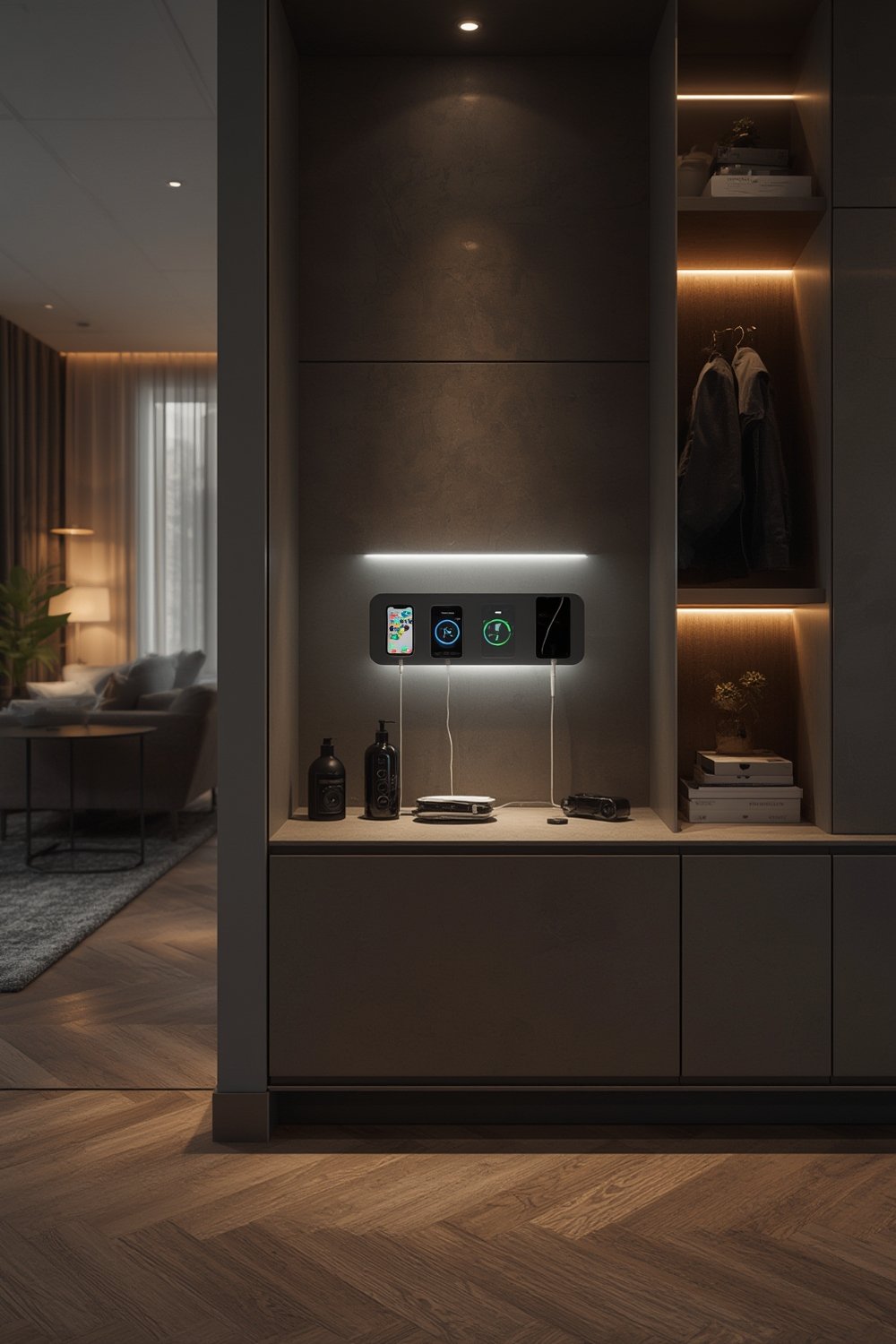
Why are these stations gaining traction? The wireless charging market is experiencing double-digit annual growth—expected to hit over USD 16 billion by 2029. Advances in Qi standards mean faster, safer charging, while home platforms like SmartThings enable control and monitoring. In North America alone, wireless charging devices tied to smart home setups hold a 26% market share [Grand View Research].
Homeowners see these solutions as a way to reduce visible wires, streamline charging, and future-proof against the growing demand for connected devices. Builders and furniture designers are now offering integrated wireless charging as an upgrade. If you’re already investing in premium features like a ventless laundry unit, a backyard ADU, or curbless shower installation, a charging drawer is likely the finishing touch for a truly modern home.
How to Install a Smart Home Charging Station
Ready to add your own smart charging station? Here’s exactly how to plan, select, and install a seamless solution that fits your space and needs.
- Pick Your Location
The most common spots are kitchen utility drawers, bedside tables, and living room consoles. Assess available depth, nearby power access, and daily device use patterns. - Choose Your Charging Hardware
Wireless pads may range from 5W for most phones up to 50W for larger devices. Some new models, like STMicroelectronics’ 50W transmitter, offer multi-device support, but these are bulkier and pricier. Always verify compatibility for iPhone or Android, plus support for wearables if needed. - Check Cabinet Design and Materials
Wireless charging can struggle with thick, metal, or high-density wood. Aim for thin wood or engineered surfaces no more than 10mm over the coil. Cut a precise recess if needed for flush mounting. - Ensure Safe Power Routing
Concealed runs of UL-rated low-voltage wiring are best. Never pinch or staple cords in moving drawer joints. Dedicated USB-C wall outlets can streamline power and safety. - Plan Ventilation and Cooling
Avoid sealed or foam-backed drawers; allow airflow with perforations near the pad. Consider adding discreet thermal cutout switches as backup. - Pair with Smart Home Platforms
WiFi or Zigbee-connected charging pads can notify you when devices are charged or detect overheating. Many units now work with hubs like Samsung SmartThings. This adds convenience and another layer of safety. - Test and Adjust
Once installed, verify charging with all your devices and monitor pad temperature on a test run. Use a thermal camera or quick touch test after 30 minutes of use.
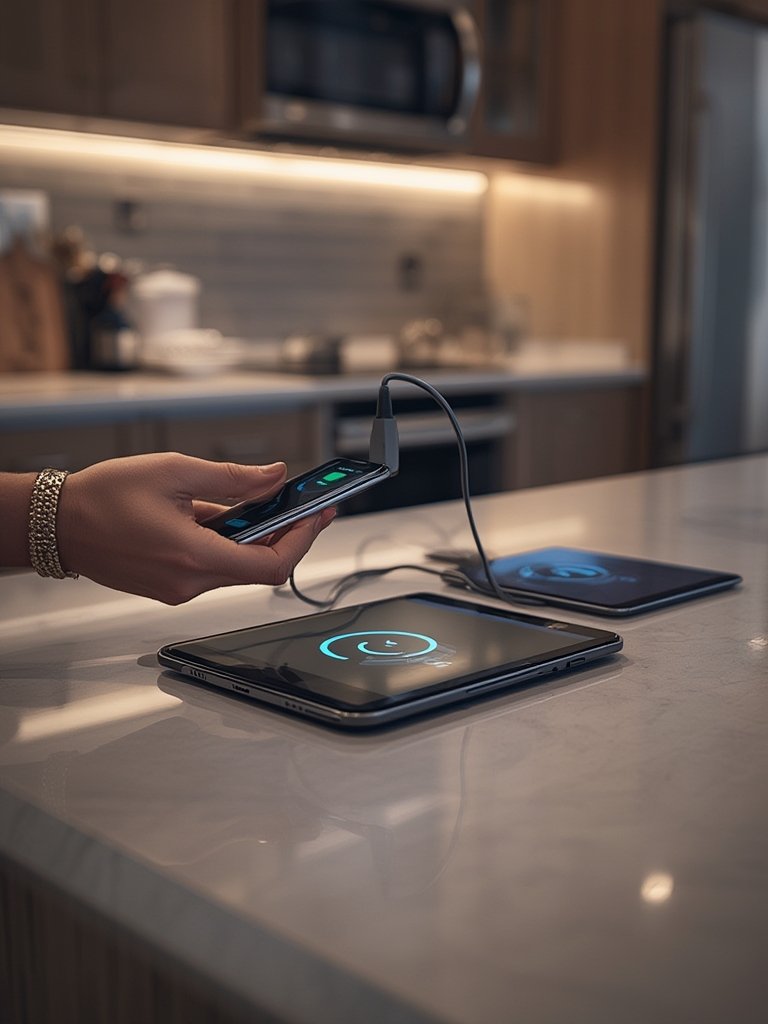
Many DIYers expect a snap-in setup but find retrofitting older furniture tricky. Examine other upgrade projects—like heat pump water heater retrofits or infrared sauna installations—for inspiration on routing wires while respecting home safety codes.
If you’re upgrading kitchen or bath finishes, coordinate your charging station with new tile work (like checkerboard floor tile) for an integrated upgrade that adds value and convenience.
Advanced Analysis and Common Pitfalls
While the promise of a clutter-free, always-ready charging spot is appealing, homeowners and designers face recurring hurdles:
| Issue | Conventional Charging | Smart Home Charging Station |
|---|---|---|
| Upfront Cost | Low (under $20 per setup) | High ($100-$350+ per pad, plus install) |
| Compatibility | Universal (USB) | Dependent on Qi or brand ecosystem |
| Heat Management | Little risk | Can overheat if enclosed without ventilation |
| Maintenance | Replace cables cheaply | Difficult to access once built-in, repairs costly |
| Future Proofing | Simple upgrades possible | Limited; device standards evolve quickly |
- Overheating Risk: The single biggest user concern is excess heat buildup. Upgraded chips help, but never install a wireless charging pad in sealed or foam-lined drawers. See more about overheating and safety in this industry safety report.
- Short Circuits and Device Damage: Poor-quality pads or DIY-wiring mistakes increase fire and device damage risk. Always use UL-listed components and follow proper standards, especially with power outputs above 5W.
- Slower Charging Than Expected: Even the latest 50W Qi pads may deliver less power through thick wood or if phone alignment isn’t perfect. Resonant charging improves tolerance but can lose efficiency in enclosed spaces [SkyQuestt Market Report].
- Compatibility and Upgradability: Today’s Qi-certified device may not work with tomorrow’s version. Once built-in, swapping hardware isn’t simple. If your household upgrades phones frequently, be cautious.
- High Cost for Fully Integrated Solutions: Custom cabinetry with hidden charging could cost hundreds more than basic wired plugs. Commercial-grade units for public spaces are even pricier, with little difference in function at home according to market research.
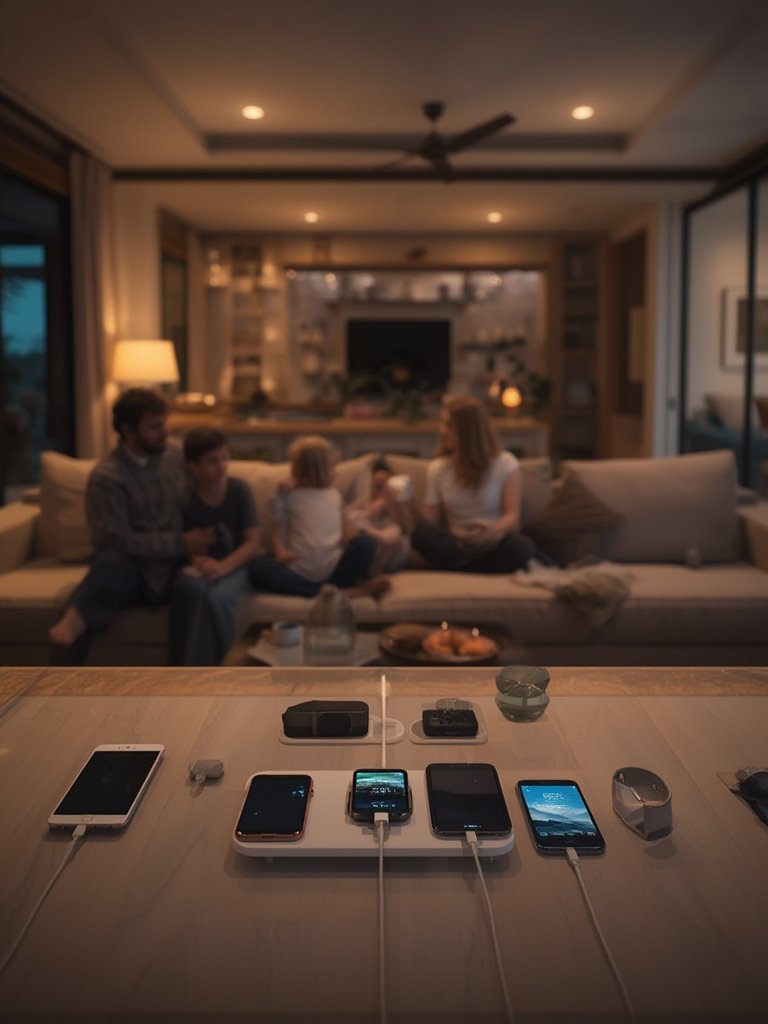
Many competitors overlook three key subtopics: real installation difficulties in vintage cabinets, the absence of solid cost comparison data, and practical troubleshooting if your station stops working. These are real issues, especially if you’re integrating new tech while considering other smart upgrades in your home.
Conclusion
A smart home charging station embedded in furniture offers genuine clutter reduction and daily convenience. But you need to approach installation with a sharp eye on safety, device compatibility, and overall cost. Real-world evidence shows that technical errors, heat management, and quickly evolving standards still cause frustration for users. If you’re balancing bigger remodels, like adding an ADU or upgrading your water heating system, weigh the return carefully.
Thinking about a smart home charging station for your kitchen, bedroom, or living area? Plan it right, budget for future upgrades, and always prioritize certified hardware. Start your home project today for a smoother, safer charging experience—for years to come.
FAQ
Are smart home charging stations safe for all devices?
Most are certified for devices supporting Qi or similar wireless charging protocols. But not every phone, watch, or tablet will work—older or budget models may lack wireless charging support. Always check device specs.
How much more expensive are built-in smart charging drawers compared to regular chargers?
Built-in solutions can cost $100–$350 or more per drawer, not including installation. By contrast, wall plug and cable setups are usually under $20 per station. Most of the extra cost comes from furniture modifications, certification, and hardware integration.
Will wireless charging damage my phone battery?
Properly certified wireless charging stations have safeguards against overheating and overcharging. However, using a non-certified pad or installing it in a poorly ventilated drawer can shorten device lifespan over time.
Can I retrofit wireless charging into existing furniture?
It’s possible, but you’ll need tools to recess the pad and may have to drill for wiring. Watch out for thick or metal surfaces, which block wireless signals. If you’re not comfortable with DIY electrical work, hire a professional.
How can I prevent overheating in enclosed charging stations?
Install ventilation holes, choose certified hardware, and monitor for heat after installation. Avoid lining the drawer with foam or insulating material, and disconnect charging during extended use if you detect warmth.